

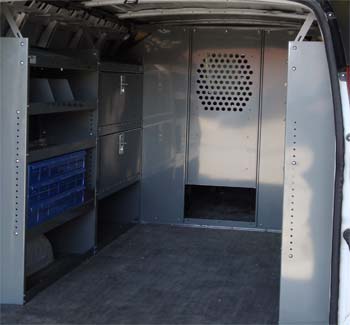
Full Size Van Steel Shelving – 38-Inch Unit
SKU: VA3813-FSV
Equipment for your work van
Explore equipment for your Chevrolet Express work van. Compare model-associated products, plan your layout and choose your exact configuration to check fitment.
Select your year, roof height and wheelbase to check exact fitment before ordering.

Browse the catalog
These products are associated with this model in our catalog. Model association alone does not confirm compatibility with every year, roof, wheelbase or door layout. Check the product details and use the Vehicle Finder.
SKU: VA3813-FSV
SKU: ASIN-B01M17BEUB

SKU: VN4513

SKU: VA4513-2

SKU: VA4513-3

SKU: VA4513-PRO

SKU: VA-A-3813
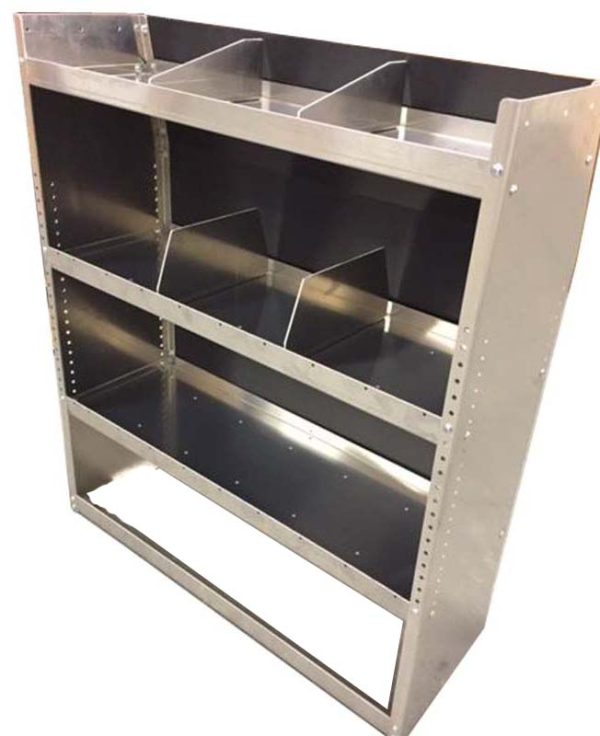
SKU: VA-A-4513


SKU: VA3813-DK-FSV
SKU: VA4513-DK

SKU: VA-A-4513-DK
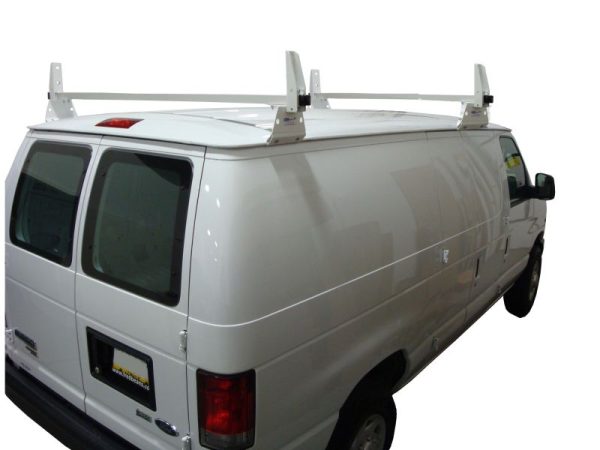


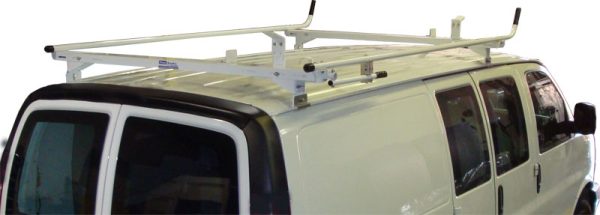
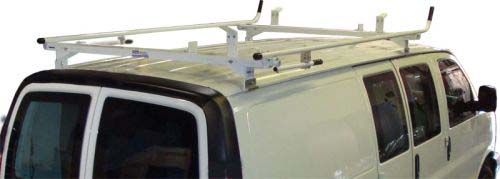

SKU: VPO---CHEVY
SKU: VP---10CHEVY

SKU: B00CIHX618

Chevrolet Express van equipment can help organize a working cargo area for service calls, maintenance routes or installation jobs. Browse the Express-associated shelving, racks, partitions and window-screen listings in the catalog. Use this page to plan the arrangement, then use the configuration finder to narrow the fitment question to your own van.
Separate the layout into daily-access storage and occasional-use space. Bins and small parts may belong close to a door, while large cases may need an open loading area. When comparing shelving sets, consider how the units relate to wheel housings, door openings and any existing bulkhead. A package is useful only when its individual pieces suit your work and the vehicle.
Measure the usable cargo area with the van in its current condition. Note floor coverings, wall panels and any equipment that will stay in place. Write down the dimensions of large cases and machines, including the clearance needed to lift or slide them out. Use these notes when comparing product drawings. A photograph can show an arrangement, but it cannot replace measurements or the installation information supplied for a particular item.
Chevrolet Express is different from the compact City Express. Do not choose by brand alone. Body length, wheelbase, door arrangement and installation requirements should be checked against the specific listing.
If a configuration is missing or the information is unclear, contact us before ordering. Send the model year, available vehicle details and the product SKU you are considering. A product appearing on this model page means it has a catalog association with the model; it is not a promise that it fits every version.
For vehicle identification, you can also consult the official NHTSA VIN decoder, which displays information reported by the manufacturer. Use your vehicle documents and measurements to confirm any configuration details that are not available there.
For shelving, compare overall width, height and depth with the measured installation area. Think about the tools stored on each level and whether drawers, doors or bins would help your routine. Where steel and aluminum options are offered, compare the actual item specifications instead of assuming that material alone determines capacity or suitability.
For ladder racks and other exterior equipment, review the stated roof application and mounting method. For partitions and window screens, read the body and door requirements in the individual listing. Availability differs by model: only the products currently associated with this vehicle are shown above. Never assume that every equipment category is offered for every configuration.
Before installation, read the hardware notes and instructions. Check whether the item includes mounting hardware and whether additional tools or accessories are specified. Keep the vehicle manufacturer’s load limits and instructions in mind when planning a fully loaded work van. If you need assistance, review installation support before making arrangements.
No. This is a model-level selection, not a configuration-level guarantee. Use the finder and product details to check your vehicle. Do not infer compatibility from a similar-looking van or a shared manufacturer name.
Plan around the dimensions and mounting locations of anything you intend to retain. Existing shelves, trim or modifications can affect the available space. Ask for guidance if you cannot confirm the clearances or mounting requirements.
Include the vehicle model, model year, roof height, wheelbase if known, and the name or SKU of the product. Explain what you need to carry and which part of the installation is uncertain. These details are more useful than the model name by itself.
Ready to take the next step? Choose your Chevrolet Express configuration, or contact True Racks at (855) 460-7225. For a project covering four or more vehicles, explore Fleet Solutions.
Search product names, parent or variation SKUs, resources, support content, and vehicle aliases.
Choose your van
Select a vehicle to see fitment-aware results.